Family information can quickly become difficult to manage when important details are stored in different places. Phone numbers may be saved on one device, school information may be kept in emails, medical documents may be placed in a drawer, and household records may be stored in several folders. When an important detail is needed quickly, searching through multiple locations can create unnecessary stress.
Organizing family information does not require a complicated filing system or expensive tools. A simple structure can make important details easier to find, update, and use. The goal is to create one clear system that helps family members know where information belongs and where to look when they need it.
Start by Collecting Information in One Place
The first step is to identify where important family information is currently stored. Check common places such as drawers, notebooks, email accounts, phone contacts, computer folders, cloud storage, and household documents.
Gather the information without trying to organize everything immediately. This makes it easier to understand what records are available and which details may be missing or outdated.
Important family information may include:
- Emergency contact information
- School and education details
- Healthcare and appointment records
- Household account information
- Important documents and identification records
- Insurance and service information
- Home maintenance details
- Family schedules and activity information
Once the information is collected, it becomes easier to decide how it should be grouped and stored.
Create Clear Categories
Categories help prevent information from becoming mixed together. Use simple names that every family member can understand. Avoid creating too many folders because a complicated system may be difficult to maintain.
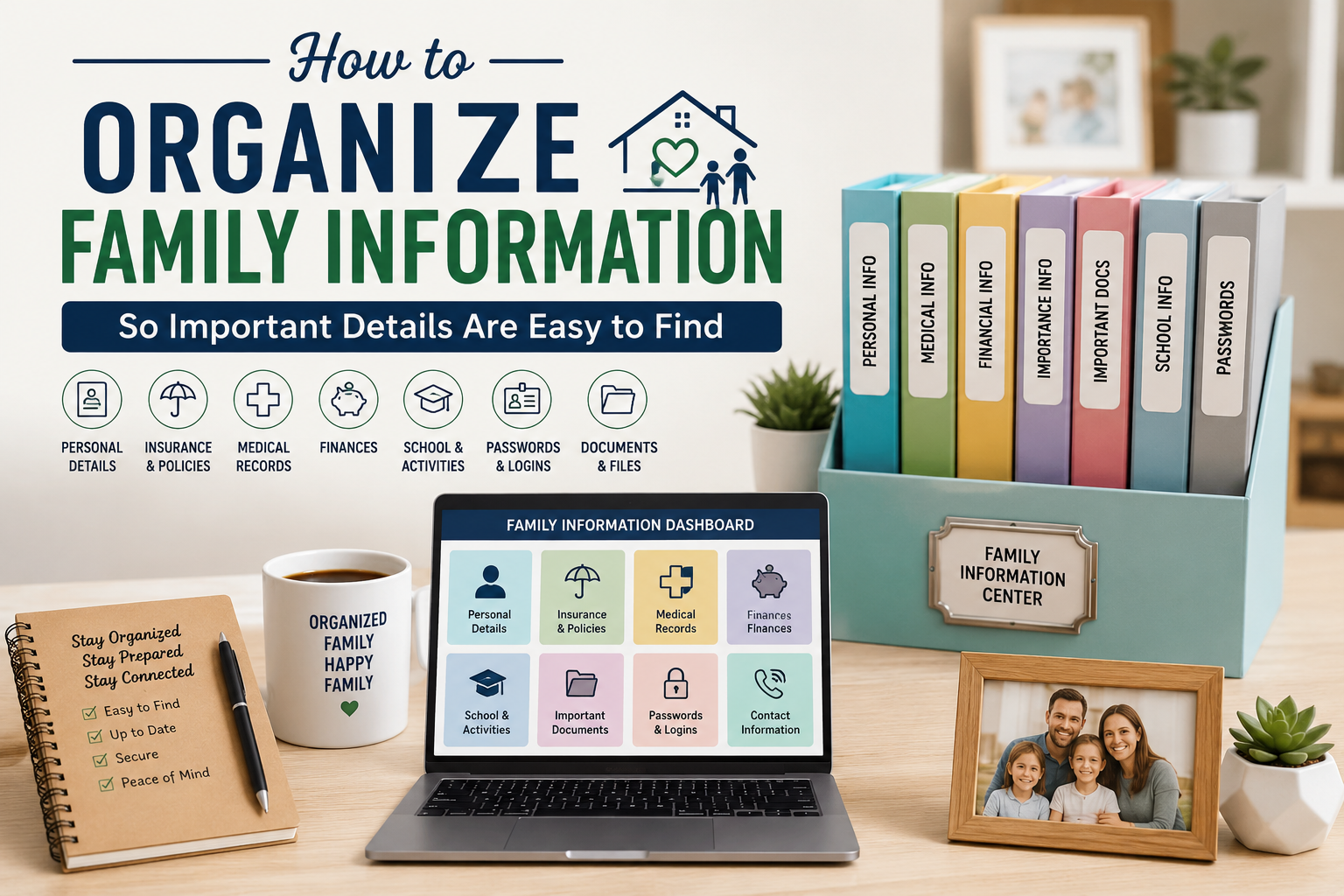
A practical family information system may include categories such as:
📁 Family Contacts: Important phone numbers and contact details
📁 School and Learning: School notices, schedules, and activity information
📁 Home Records: Maintenance details, service contacts, and household information
📁 Appointments: Upcoming visits and important dates
📁 Financial Records: Bills, account documents, and payment information
📁 Important Documents: Identification and official family records
Use the same categories for both paper and digital records whenever possible. This creates a familiar structure and makes information easier to locate.
Choose Between Paper, Digital, or Both
Every family has different preferences. Some people find paper folders easier to use, while others prefer digital files because they can be searched and accessed from different devices.
A physical filing system can be useful for original documents and records that need to be kept in paper form. Use labeled folders or a small filing box, and place it in a secure location.
Digital storage can be helpful for scanned documents, schedules, contact lists, and information that may need to be accessed while away from home. Create clearly named folders and avoid saving important files only on one device.
Many families use a combination of both methods. Original records can be stored safely in a physical folder, while digital copies can provide convenient access when needed.
Create a Family Information Hub
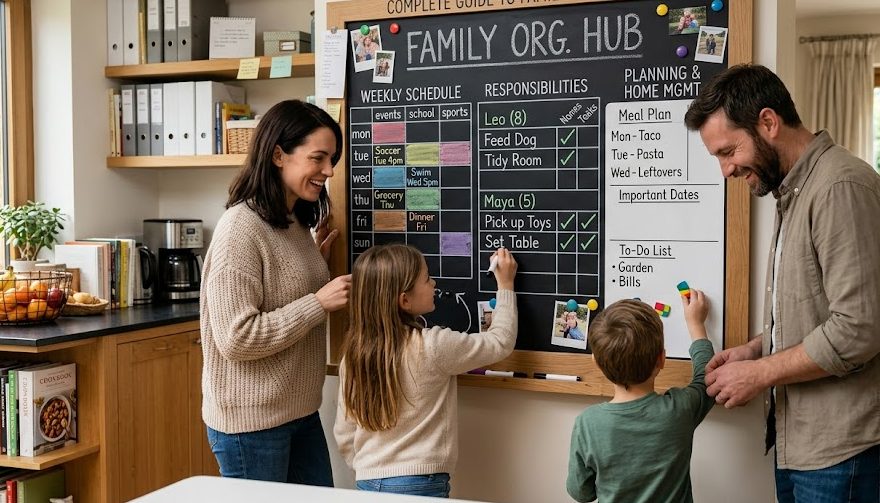
A family information hub is a central location where commonly needed details can be found. It may be a labeled folder, a household notebook, a secure digital folder, or a shared planning area.
The hub should contain information that is useful for everyday planning. For example, it may include school contacts, household service numbers, activity schedules, appointment details, and a list of important tasks.
Keep the hub organized and avoid placing highly sensitive information in an open area. Information that could create privacy or security risks should be stored separately and protected.
Use Clear Names for Files and Folders
Unclear file names can make digital information difficult to find. Names such as “Document 1,” “New File,” or “Important” do not explain what the file contains.
Use short and descriptive names. Adding a date can also help identify the newest version. For example:
- School Calendar – August 2026
- Home Maintenance Records
- Family Emergency Contacts
- Household Service Information
- Monthly Bill Schedule
Consistent file names make searching faster and reduce the chance of using outdated information.
Protect Private and Sensitive Information
Not all family information should be stored in the same open location. Personal documents, financial records, account details, and private identification information require additional protection.
Use secure storage for sensitive records. Physical documents may be placed in a locked cabinet or secure document box. Digital information should be protected with strong passwords and appropriate account security.
Avoid sharing private information through public messages or leaving sensitive papers in common areas. Only trusted family members should have access to records that require protection.
Keep Emergency Information Easy to Access
Emergency information should be organized carefully so it can be found quickly when needed. Create a simple emergency contact list that includes important family contacts, healthcare contacts, and trusted local support.
Keep a copy in a safe but accessible location. It may also be useful to store a secure digital copy for family members who are often away from home.
Review emergency information regularly because phone numbers, addresses, and contact details may change over time.
Set a Regular Time for Updates
An organization system is only useful when the information remains current. Outdated phone numbers, old schedules, and expired documents can cause confusion.
Choose a simple review schedule, such as once each month or at the beginning of a new school term. During the review, check for changes and remove information that is no longer useful.
Ask questions such as:
- Are important contact details still correct?
- Have any schedules changed?
- Are there new documents to add?
- Can outdated records be removed?
- Does every category still make sense?
Regular updates take only a short amount of time and can prevent information from becoming difficult to manage.
Make the System Easy for Everyone to Use
A family organization system should not depend on one person knowing where everything is stored. Explain the basic structure to other family members and show them where to find commonly needed information.
Use clear labels and simple instructions. If the system is difficult to understand, people may stop using it and create separate places for their information.
Encourage family members to return documents and update details after using them. Small habits can keep the system organized over time.
Conclusion
Organizing family information can make everyday planning easier and reduce the time spent searching for important details. A clear system with simple categories, useful labels, and secure storage can help family members find information when they need it.
Start by collecting important records, choosing a practical storage method, and creating one central information hub. Keep frequently used details easy to access while protecting private information carefully.
The system does not need to be perfect or complicated. A simple structure that is updated regularly and understood by the whole family can make important information easier to manage, easier to find, and more useful in daily life.